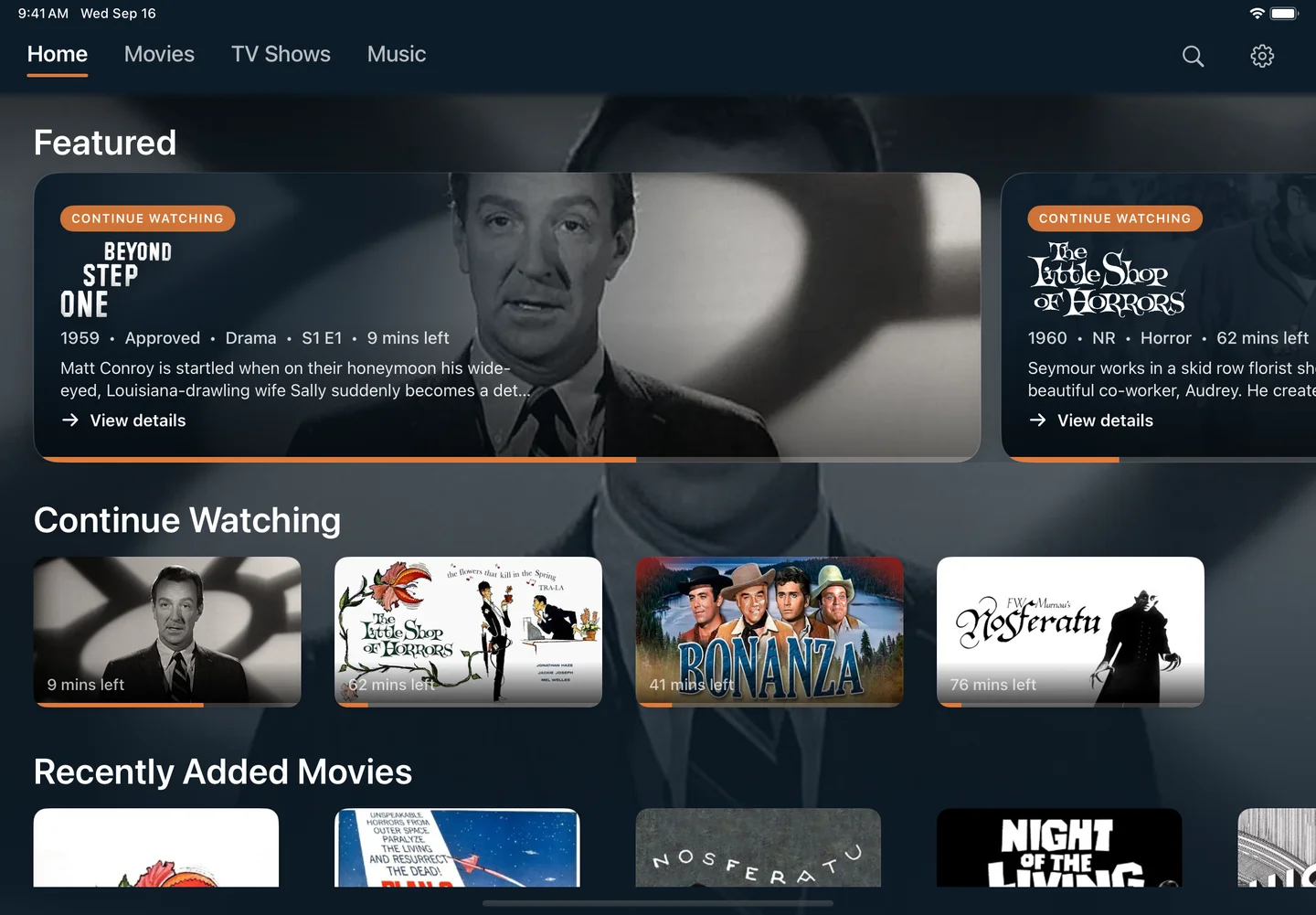
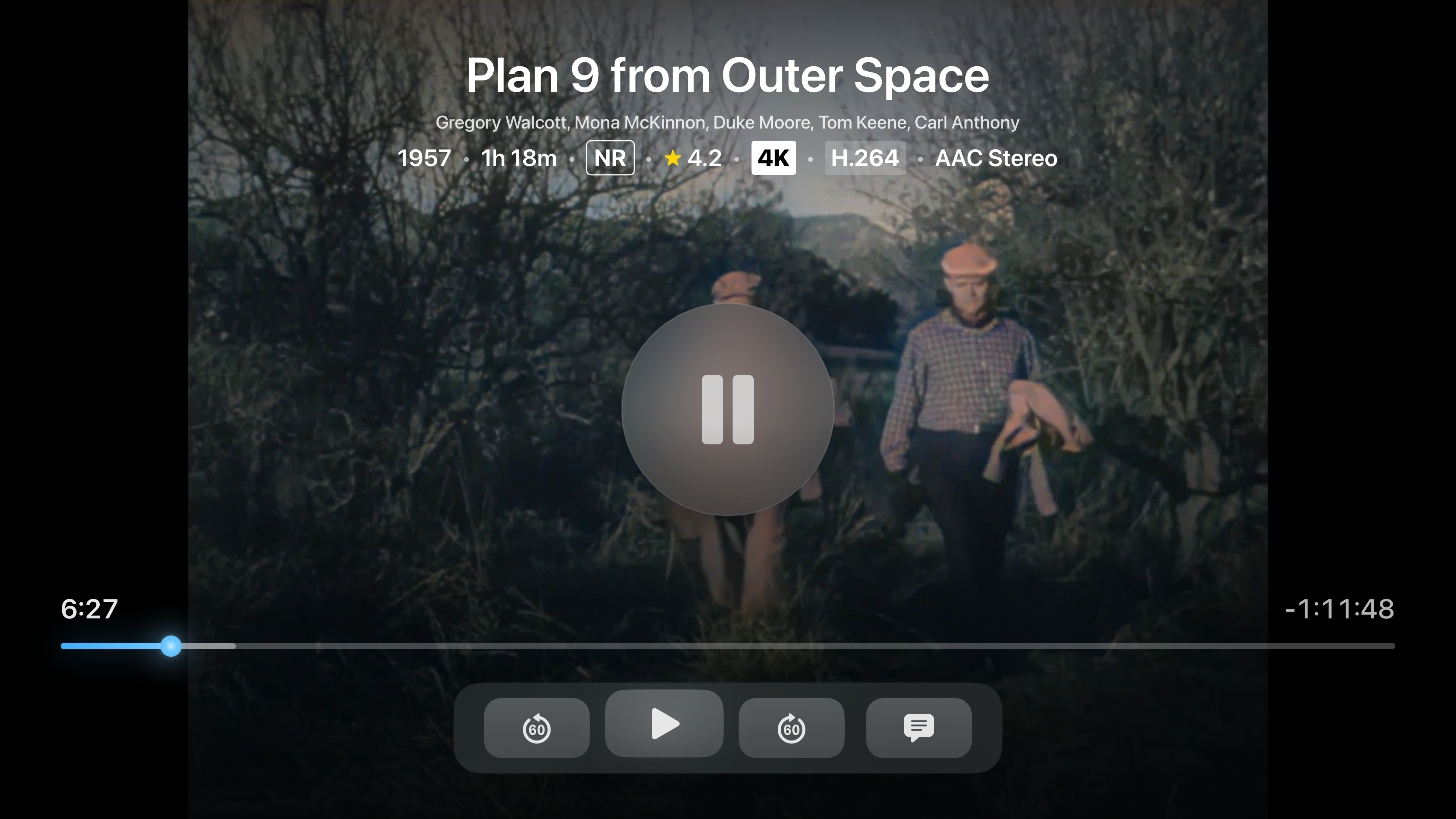
Your movies, shows, and music, at home or on the go. Stream your Jellyfin and Plex library for free on Apple TV and iPad. Download movies and episodes on iPad with Trovu Pro, then watch without Wi-Fi.
Your library, now within reach. Available on iPad and Apple TV.
Playback free, 4K HDR included.iPadOS 26 and laterApple TV HD & 4K · tvOS 17+Offline downloads with Trovu Pro
iPad, ready to go
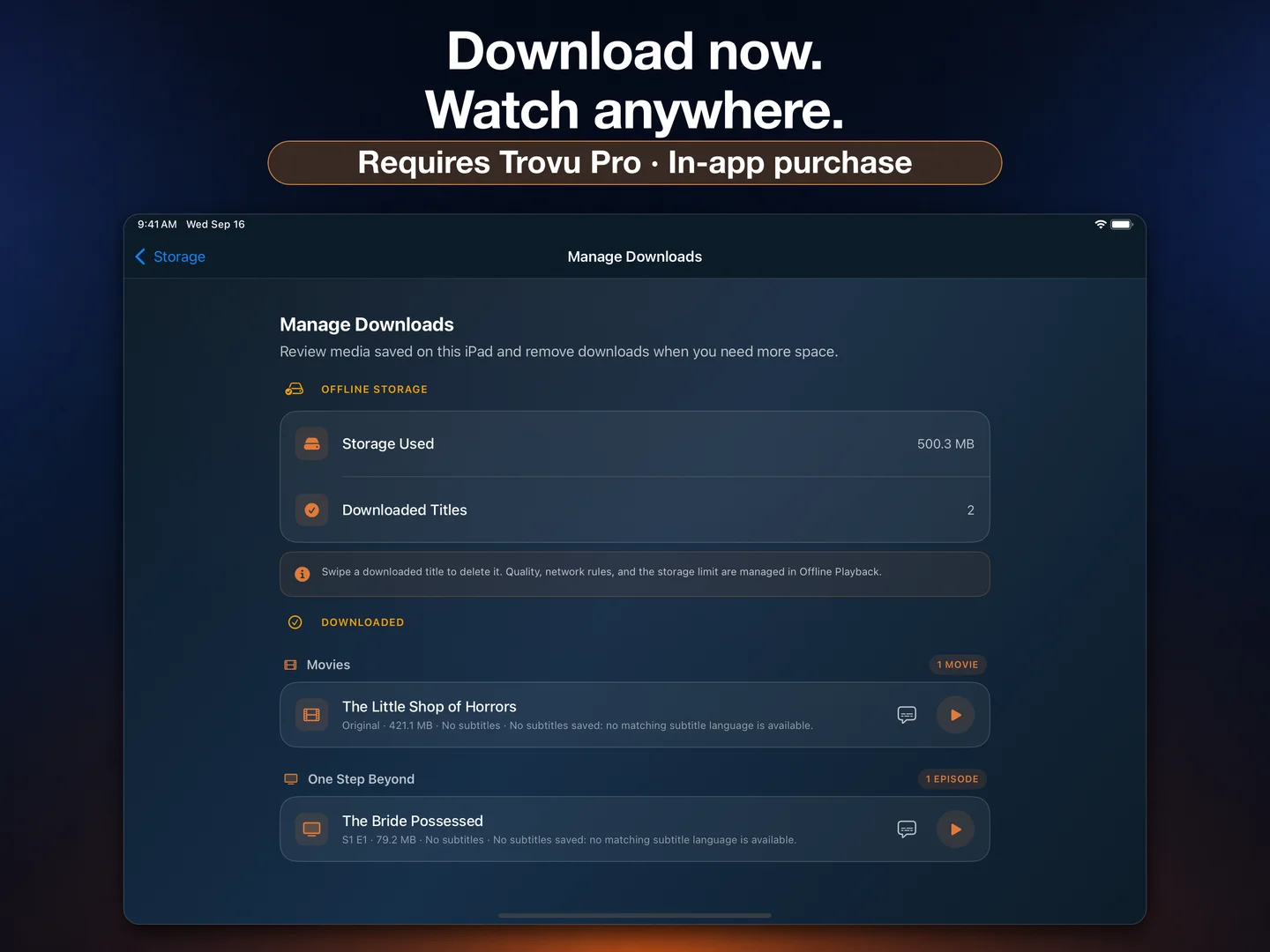
Download now. Watch without Wi-Fi.
Take your Jellyfin and Plex movies and TV episodes with you. Save them to your iPad before a flight, a commute, or a weekend away, then play your completed downloads offline.
Offline downloads require Trovu Pro, an optional in-app purchase. Streaming playback is free on iPad and Apple TV.
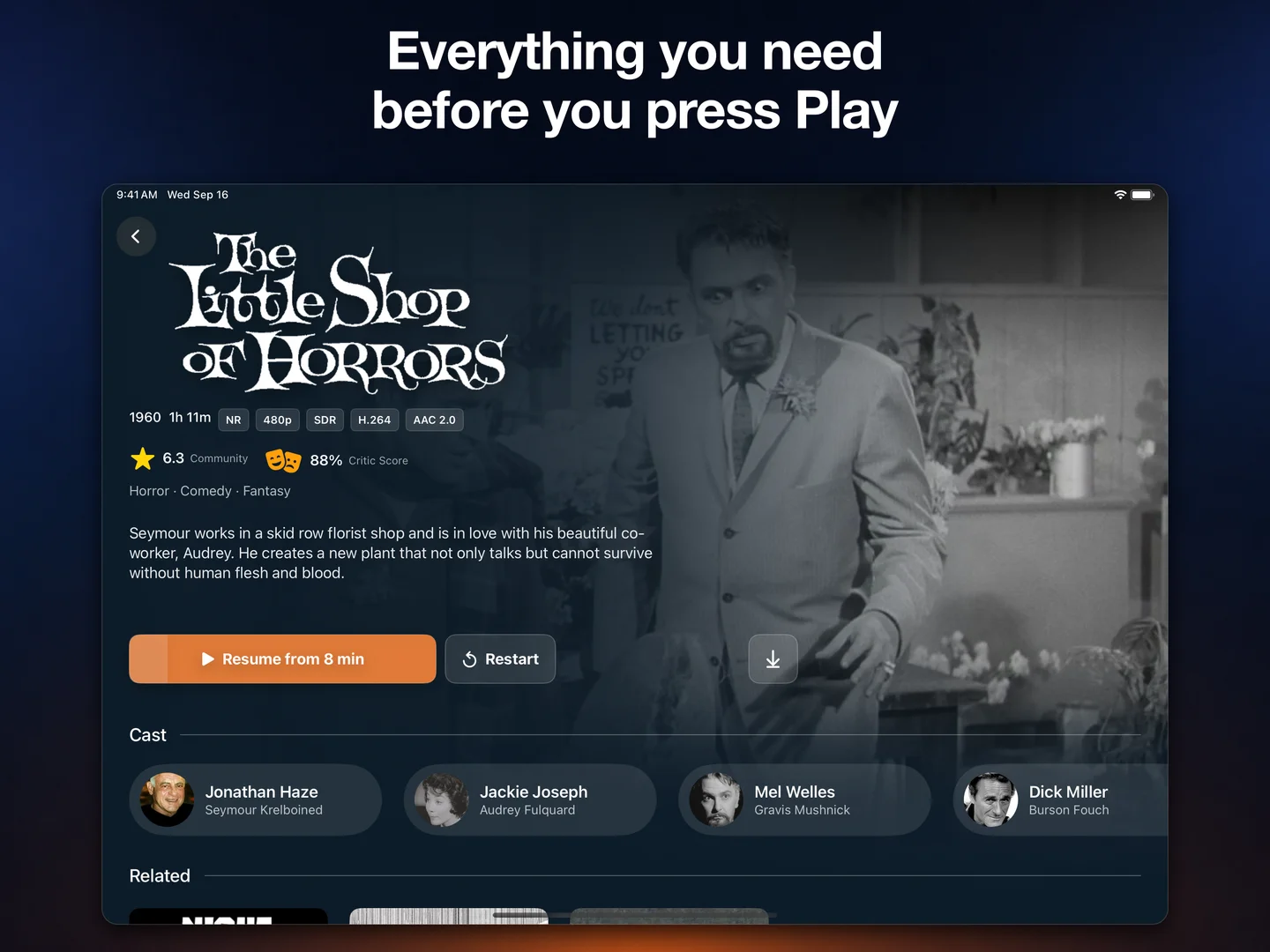
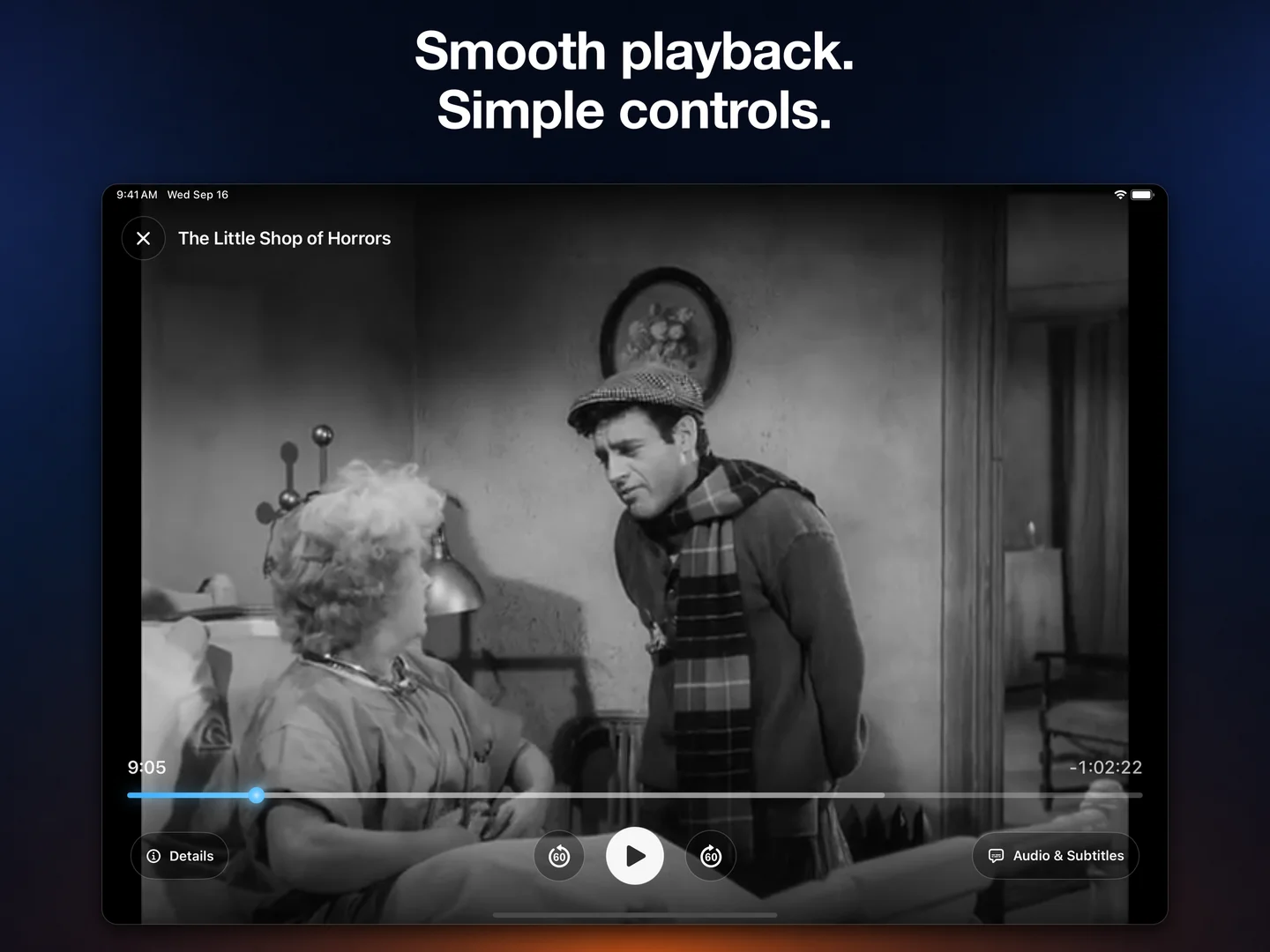
Browse your library with native touch controls.Keep movies and episodes ready offline with Pro.Settle in with playback controls made for iPad.
Six things it does
Made for your library. Built for both screens.
01
Direct Play
H.264, HEVC, AV1, VP9, MKV, MP4. Trovu plays your files directly on your device, reducing the need for server transcoding.
02
Pin code sign-in
Jellyfin Quick Connect or plex.tv/link. Approve a short code from any browser. No typing passwords on a remote.
03
Multi-server
Add every Jellyfin and Plex server you run. Search and browse across all of them at the same time.
04
4K and HDR10
Full 2160p playback with HDR10 metadata on Apple TV 4K.
05
Offline on iPad
Download movies and episodes from Jellyfin or Plex with Trovu Pro. Watch your saved titles without an internet connection.
06
Live TV
Tune into the channels your Jellyfin or Plex server already serves, with the same player and remote bindings.
What plays
If your library has it, Trovu plays it.
Direct play covers the formats most Jellyfin and Plex libraries actually contain. Your device handles playback, so your server can focus on delivering your library.
Video
H.264HEVCAV1VP9MPEG-4
Containers
MP4MKVWebMMOVHLS
Audio
AACAC3EAC3DTSDTS-HDTrueHD
Subtitles
SRTASSVTTPGSembeddedexternal
* Hardware decoded on Apple TV 4K (2nd generation and later)
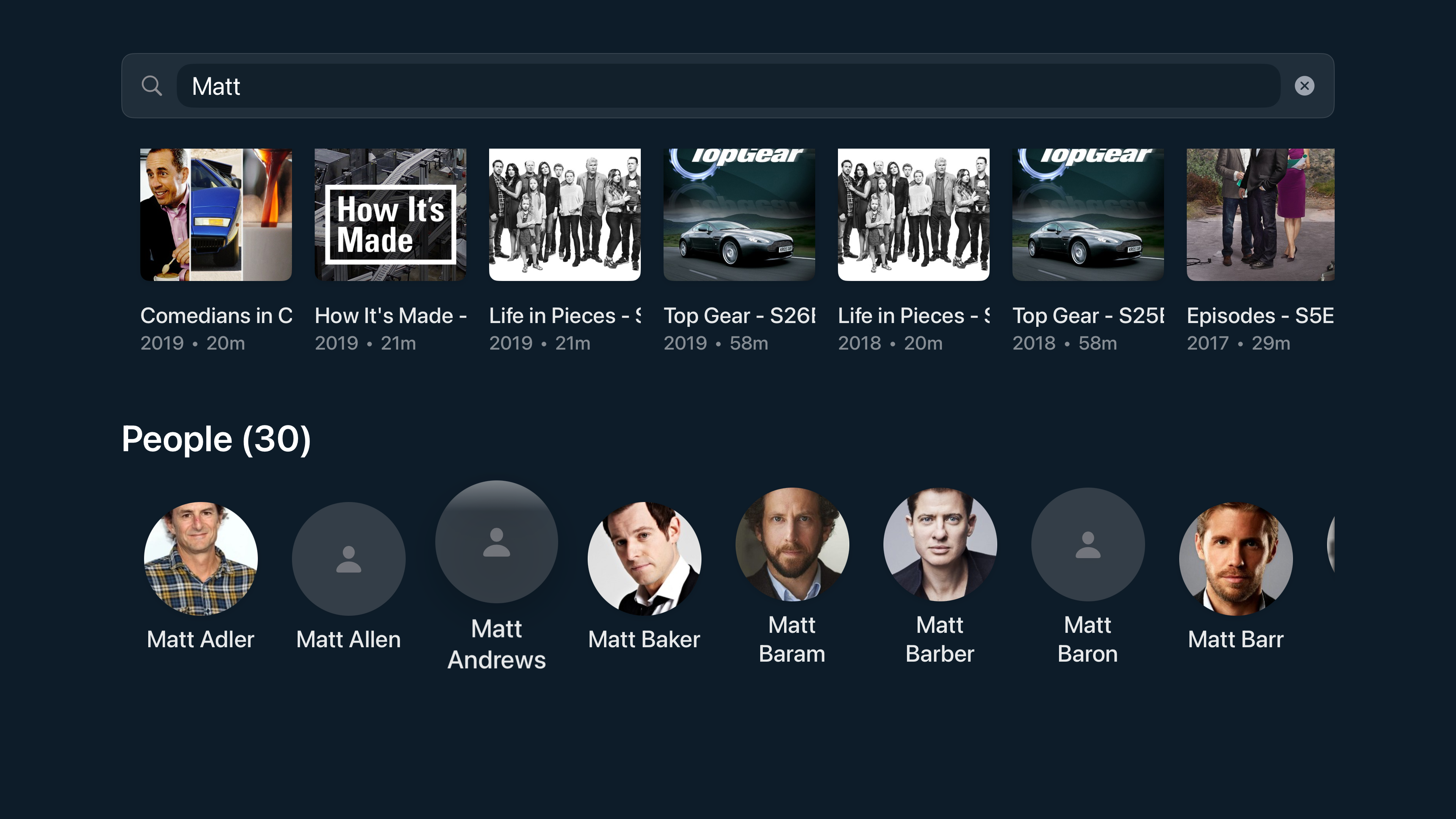
Movies, series, and individual episodes. Results appear as you type.
Across every server
One query, every connected Jellyfin and Plex server at once.
Continue watching
Picks up at the second you stopped, on whichever device you started on.
Cast and crew
Tap a face to see everything else they appear in across your library.
Sort and filter
By genre, year, runtime, rating, or whatever metadata your server has.
Cached locally
The library list is on-device, so it appears the moment the app opens.
Connections
Works with the services you already use.
01
Trakt sync
Connect your Trakt account and what you watch on Apple TV scrobbles to Trakt automatically. Pull your existing history back into Jellyfin if you want. Free for everyone.
02
Request with Seerr
Connect Seerr to request titles you don't have yet, right from search or an actor's page. Play them the moment they land in your library.
Pricing
Free to play. Pro for the extras.
Free
$0, no account
The whole player, at every resolution. Free for as long as you want it.
· Every codec and container
· 4K and HDR10 playback
· Full search and library
· Live TV and Trakt sync
Trovu Pro
$14.99 lifetime, or from $0.99/mo
Everything in Free, plus the features that go beyond a single library.
Jellyfin, Plex, iPad, and Apple TV: your questions.
Yes. Trovu is available on the App Store for iPad with iPadOS 26.0 or later, as well as Apple TV. Stream your Jellyfin and Plex library for free, or download movies and episodes on iPad with Trovu Pro, available as an optional in-app purchase.
Yes. Trovu Pro lets you download movies and TV episodes from your Jellyfin or Plex server to your iPad. Finish downloading while connected, then watch your saved titles without an internet connection. Offline downloads require Trovu Pro, available as an optional in-app purchase.
Yes. Trovu is a native Apple TV app that connects directly to your Jellyfin server. It runs on Apple TV HD and Apple TV 4K with tvOS 17.0 or later, and plays your library with full Siri Remote support.
Yes. Trovu connects to Plex Media Server as well as Jellyfin. Sign in with a pin code at plex.tv/link, find servers on your local network automatically, or enter a server address manually. Library browsing, direct play, Live TV, and multi-server search all work with Plex.
No. Trovu is an independent third-party client. It is not affiliated with the Jellyfin project or with Plex, but it connects to standard Jellyfin and Plex servers using their public APIs.
Yes. Trovu supports 2160p (4K) playback and HDR10 metadata passthrough on Apple TV 4K, and it is free for everyone.
Trovu runs on Apple TV HD (4th generation) and every Apple TV 4K generation. The minimum operating system is tvOS 17.0.
Yes. Playback is free for all content at every resolution, including 4K and HDR10, with every codec included. Trovu Pro is an optional upgrade that adds extras: download movies and episodes on iPad, connect more than one server, and request new titles through your own Seerr server.
The client your library deserves.
Playback is free, 4K and HDR included. Trovu Pro adds offline downloads on iPad, multi-server, and Seerr requests. No account, no ads, no tracking.